
Apps by OAS

Apps we design, build and ship.

Our own iPhone apps, designed and built in the Okanagan. Here are three, each at a different stage.

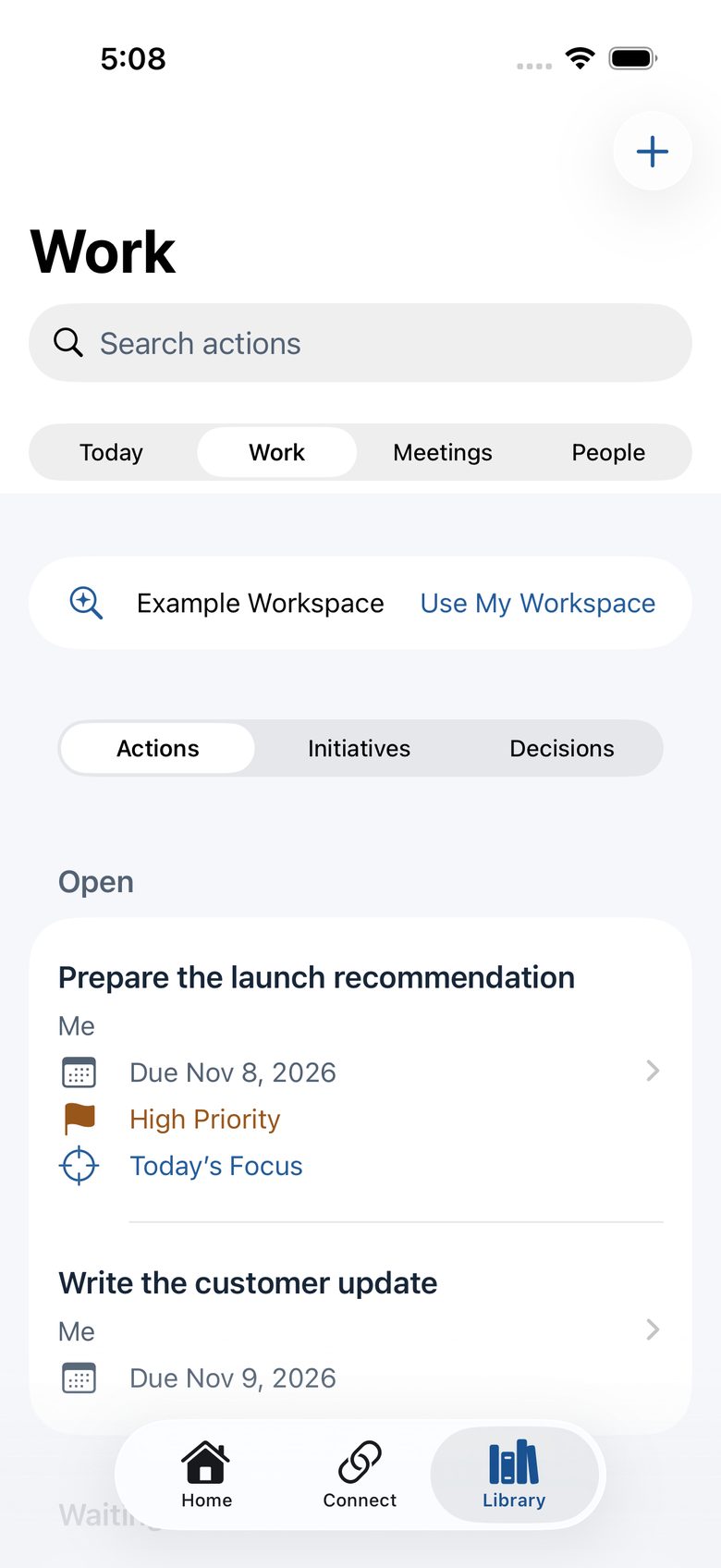
CoS Work list of open actions, each with a due date, priority and Today’s Focus marker.
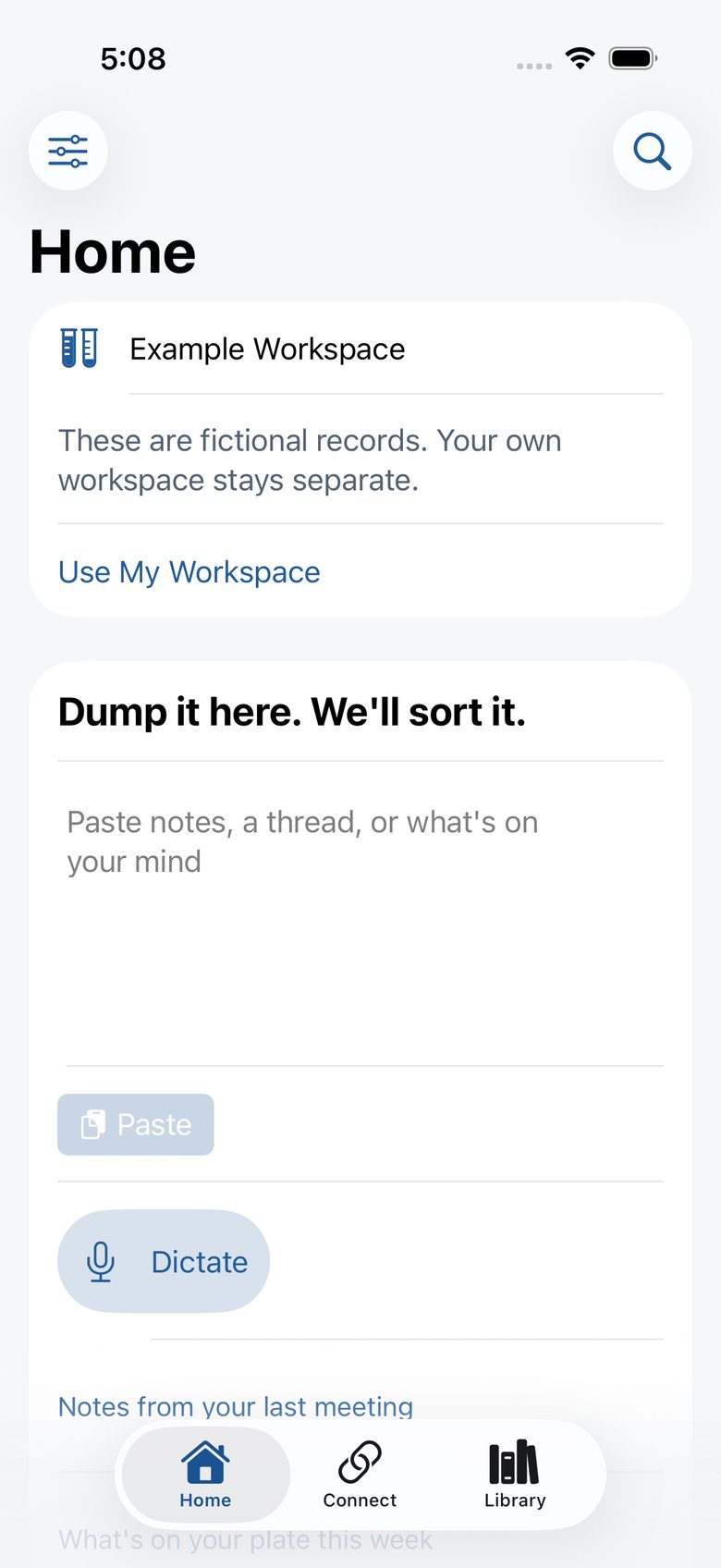
CoS Home in the example workspace: a “Dump it here. We’ll sort it.” box with Paste and Dictate buttons.
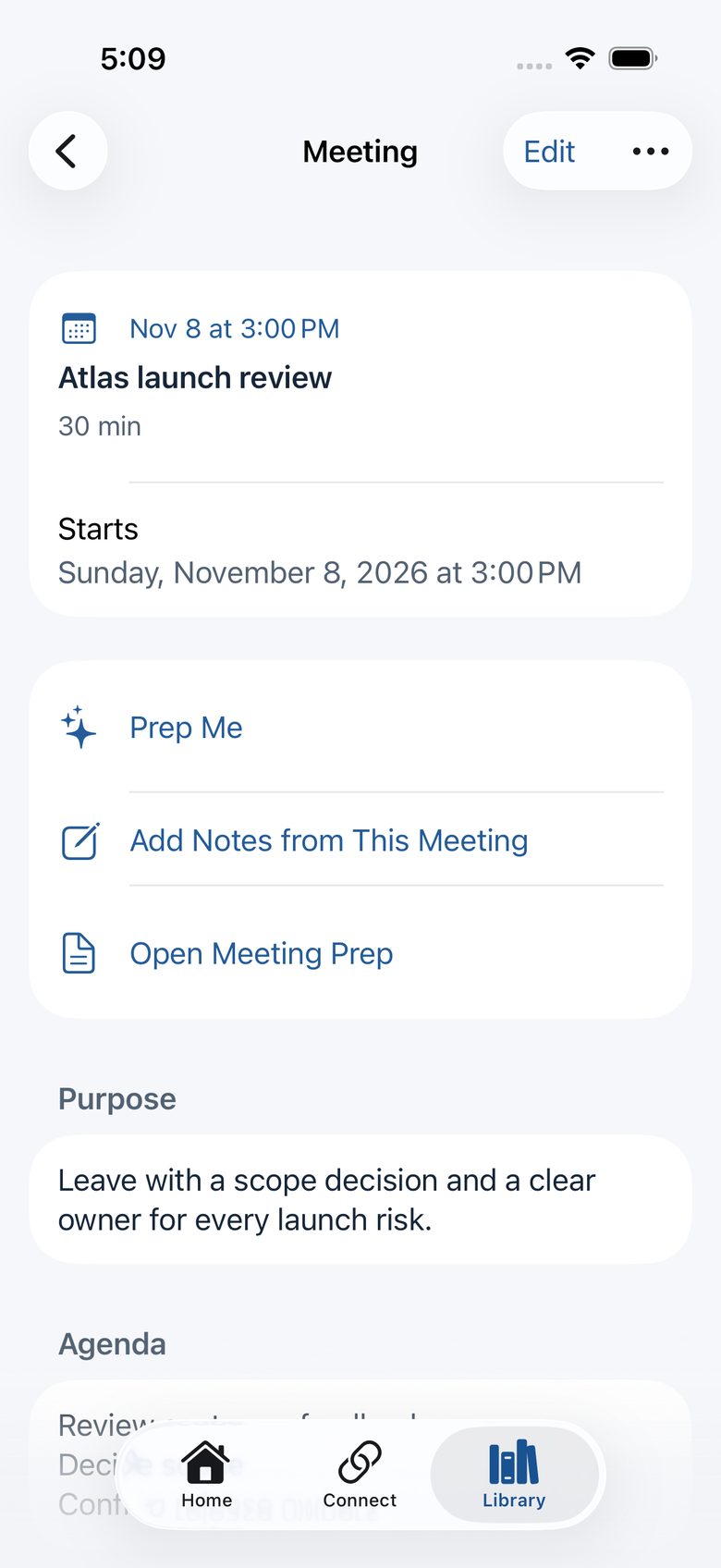
A CoS meeting, Atlas launch review, with Prep Me and Add Notes from This Meeting.
CoS app icon On the App Store

CoS: Chief of Staff

Your day and every meeting, briefed instantly from your own records.

Daily briefs and meeting prep for founders and executives. Free for iPhone and iPad, with no account.

  • Daily Brief, Meeting Prep, Follow-up and Weekly Review, built on your device.
  • Optional, read-only Apple Calendar sync for your meetings.
  • Actions, decisions, initiatives and people kept together.
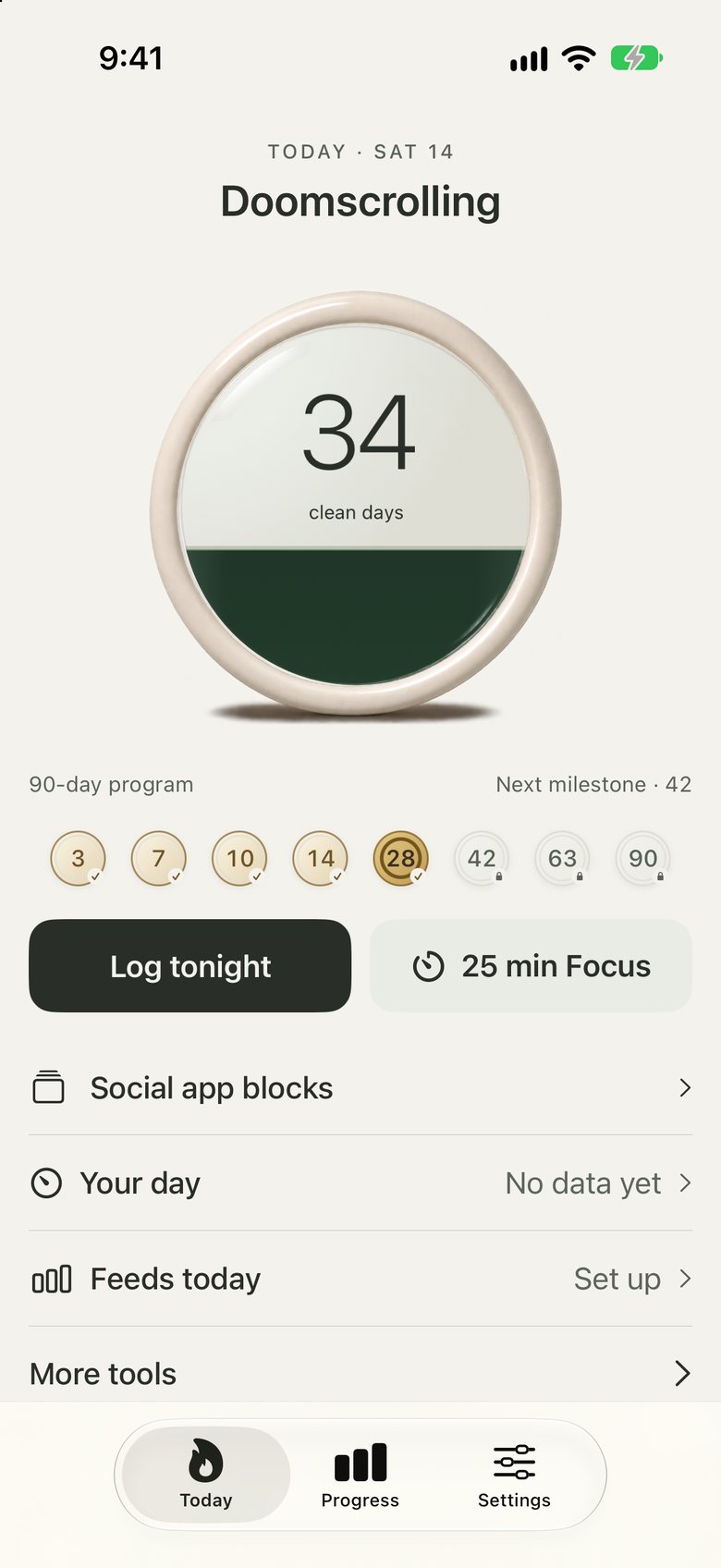
Addictionless Today screen: 34 clean days in the porcelain dial, with milestones from 3 to 90 days.
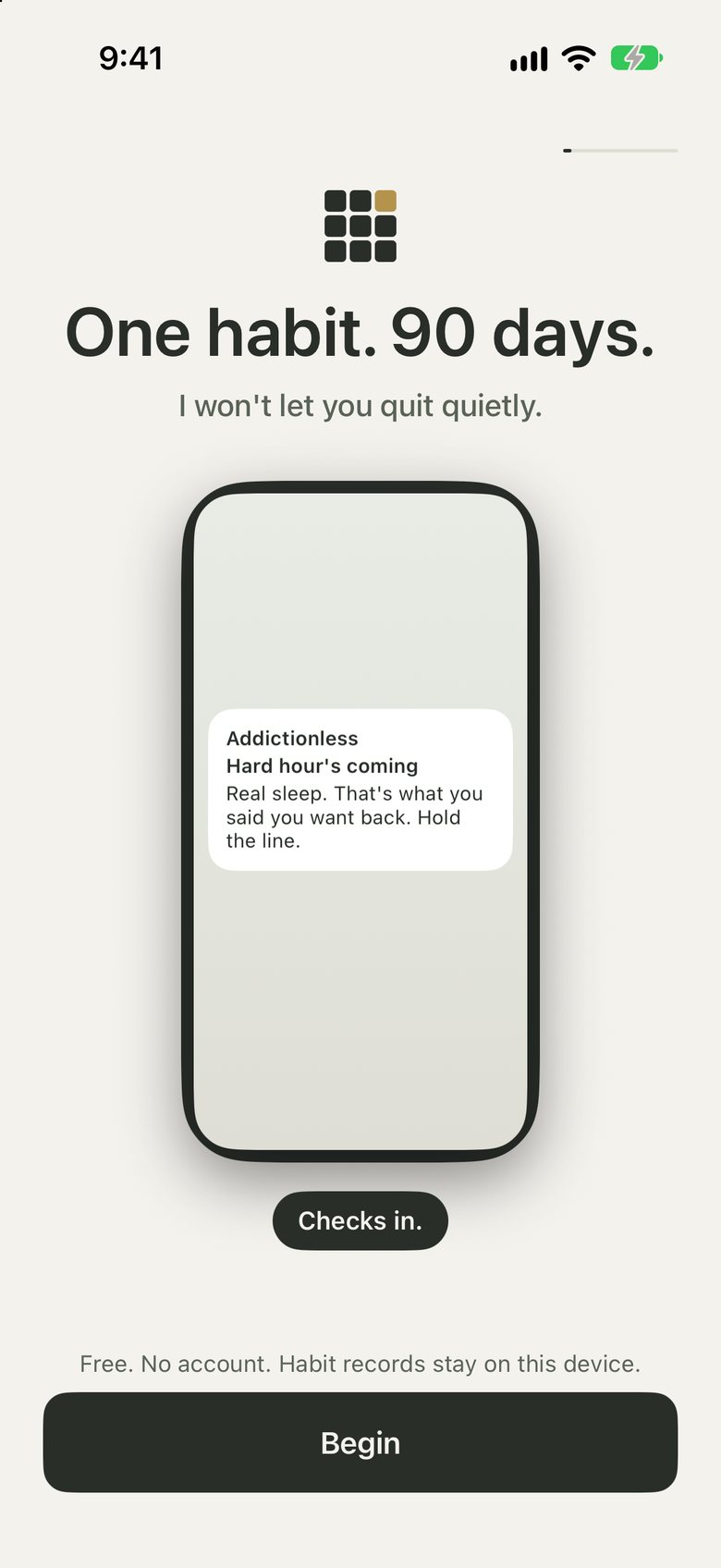
Addictionless welcome screen: “One habit. 90 days.” above a Begin button.
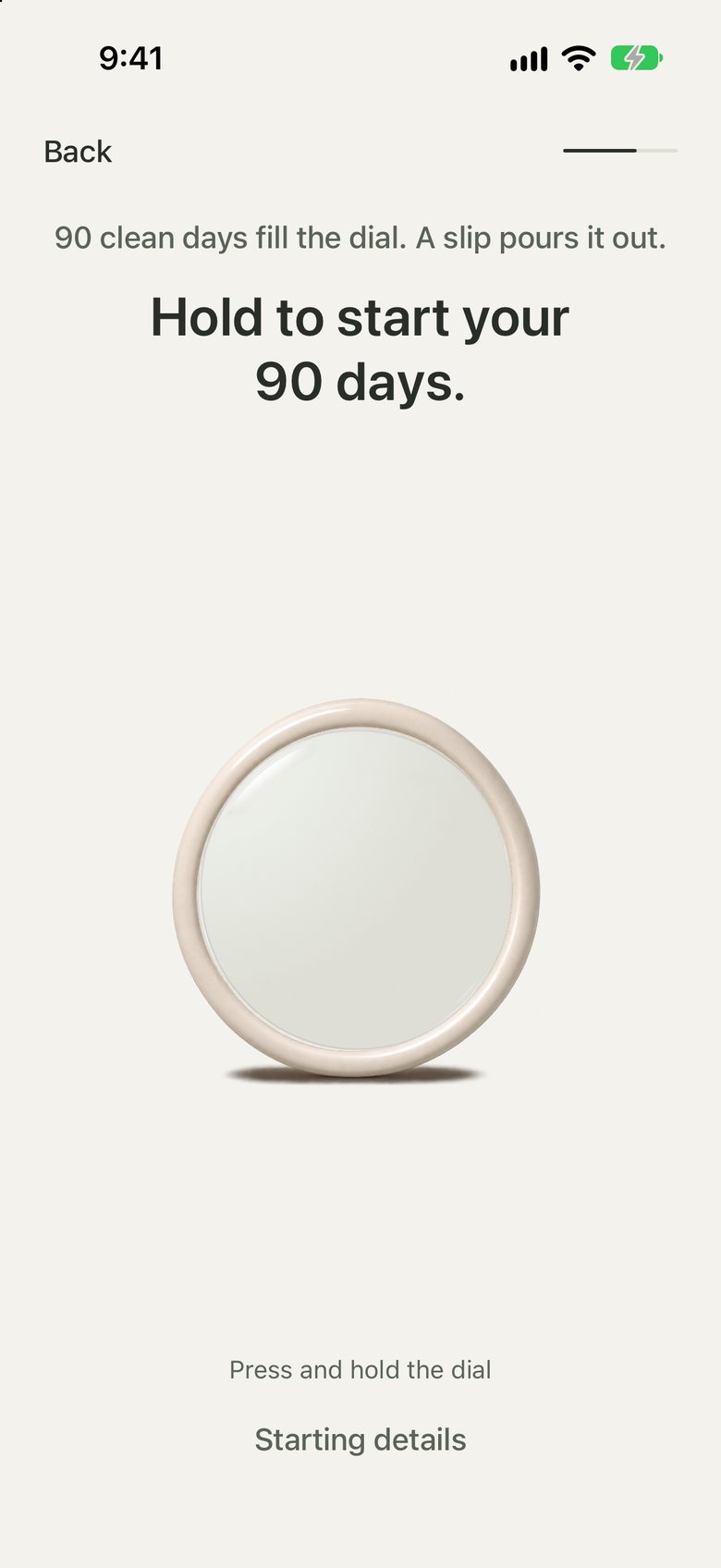
Addictionless commitment screen: “Hold to start your 90 days.” 90 clean days fill the dial; a slip pours it out.
Addictionless app icon Free, no account

Addictionless

One habit. One day at a time.

A self-guided habit tool for adults. Work toward 90 consecutive clean days with honest check-ins and practical tools for difficult moments.

  • Choose one priority: doomscrolling, gaming, adult content, gambling or nicotine.
  • Log each clean day. A slip resets your streak.
  • Habit records stay on your device. No account, analytics or habit-data server.
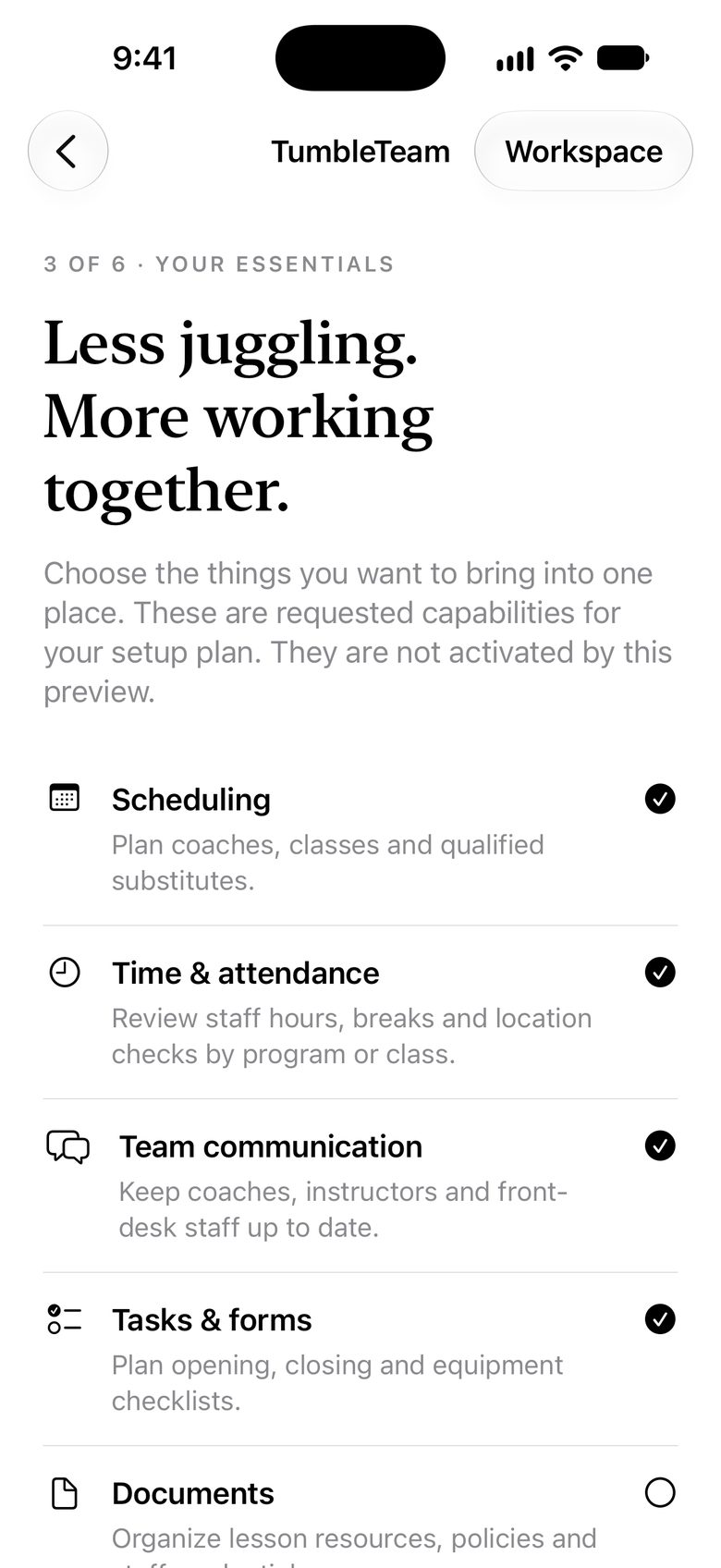
TumbleTeam essentials step: choose scheduling, time and attendance, team communication, and tasks and forms.
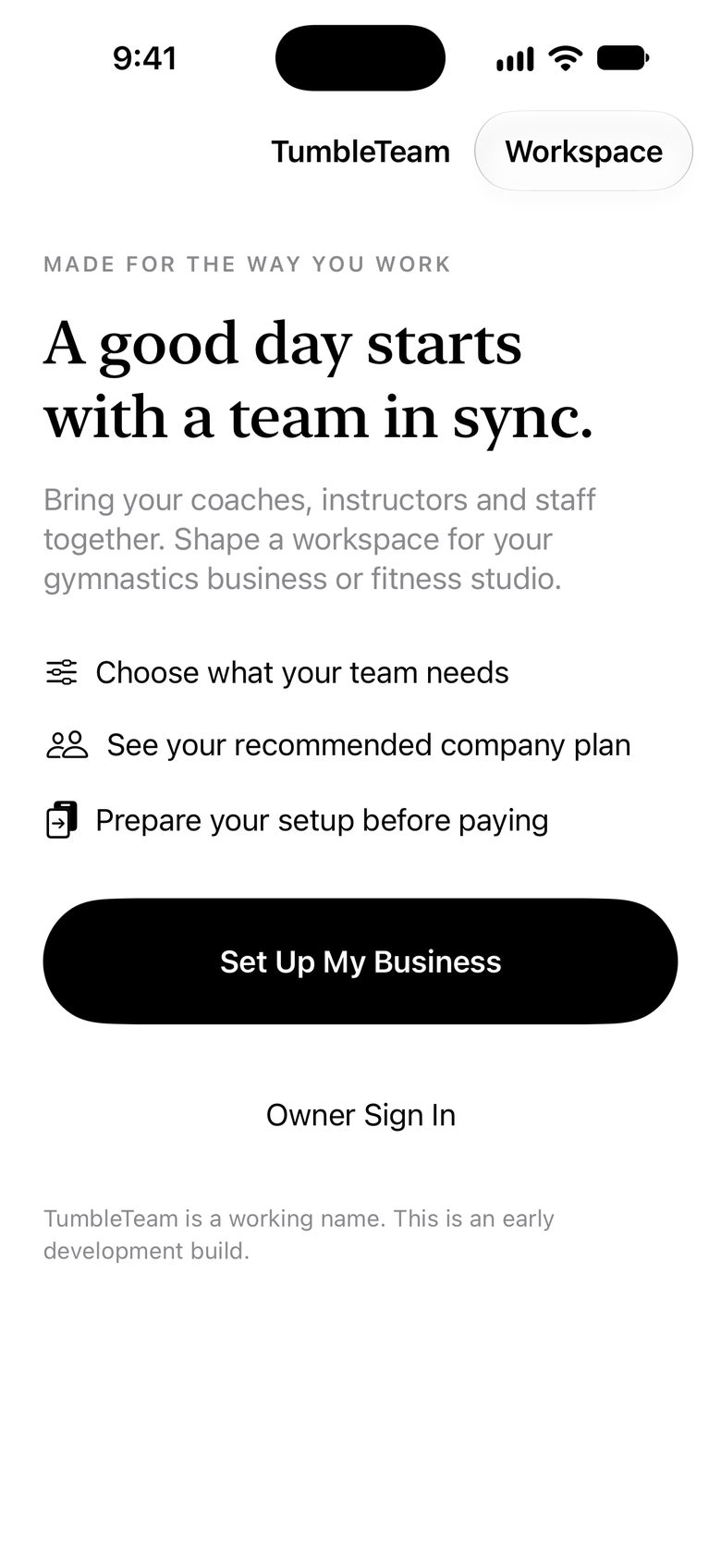
TumbleTeam welcome screen: “A good day starts with a team in sync.” with a Set Up My Business button.
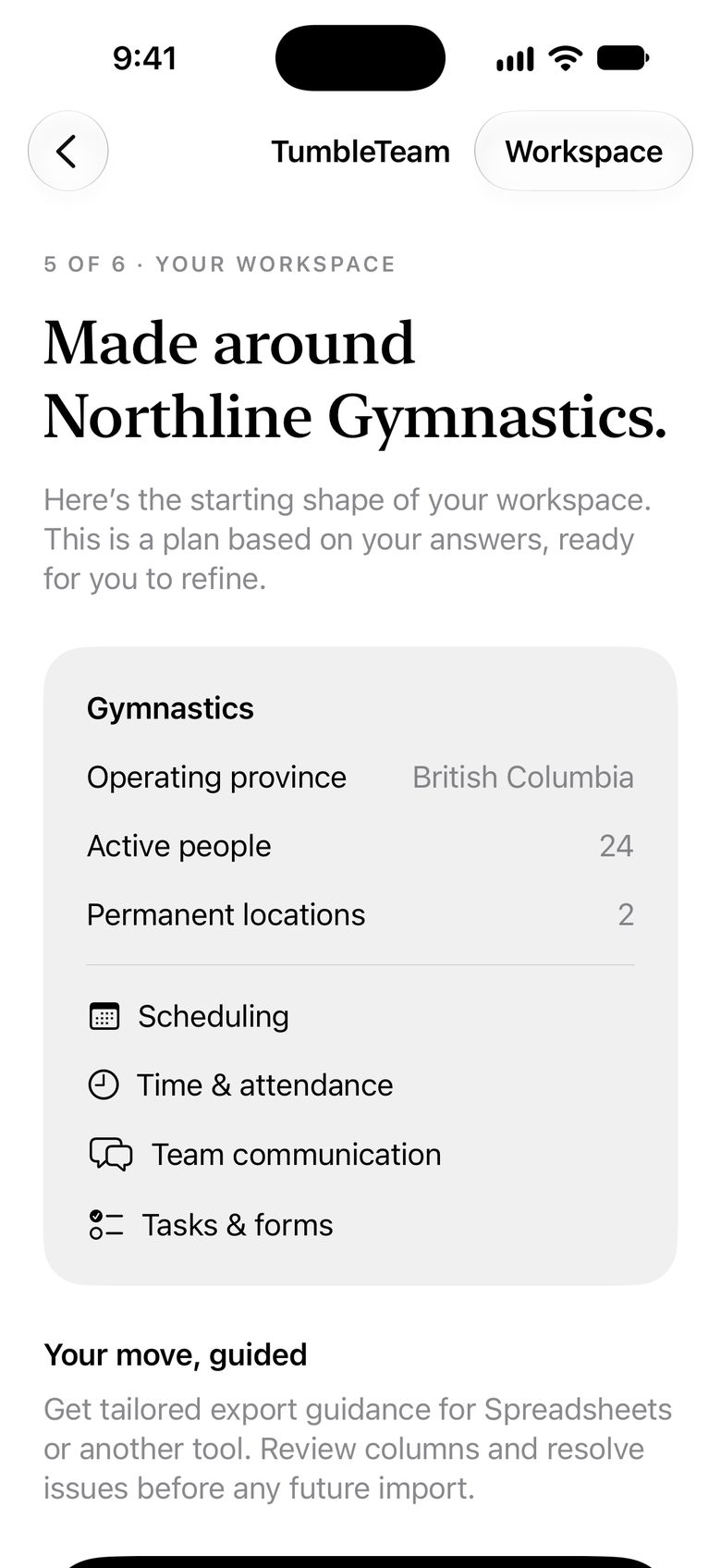
TumbleTeam workspace summary for an example gymnastics business, with its four chosen features.
In development

TumbleTeam

Staff operations that each company shapes to its own rules.

The next generation of TumbleTalk, being built as a native iPhone app that other companies can run under their own name.

  • Switch on the capabilities you need, such as scheduling, attendance and clock-in.
  • Set your own company rules instead of living with hardcoded ones.
  • An MCP connector lets an AI assistant work inside what the owner grants.

Have an idea for an app?

We build for other businesses too.

The same craft goes into client work: iPhone apps, websites, custom software and practical AI automation, from the Okanagan.