Instant briefs
Tap Generate for a Daily Brief, Meeting Prep, Follow-up or Weekly Review. It is built instantly on your device from your saved records. No AI key needed.
 CoS: Chief of Staff
by OAS
Daily briefs & meeting prep
Your day and every meeting, briefed instantly from your own records. Built for founders and executives.
What it does
Tap Generate for a Daily Brief, Meeting Prep, Follow-up or Weekly Review. It is built instantly on your device from your saved records. No AI key needed.
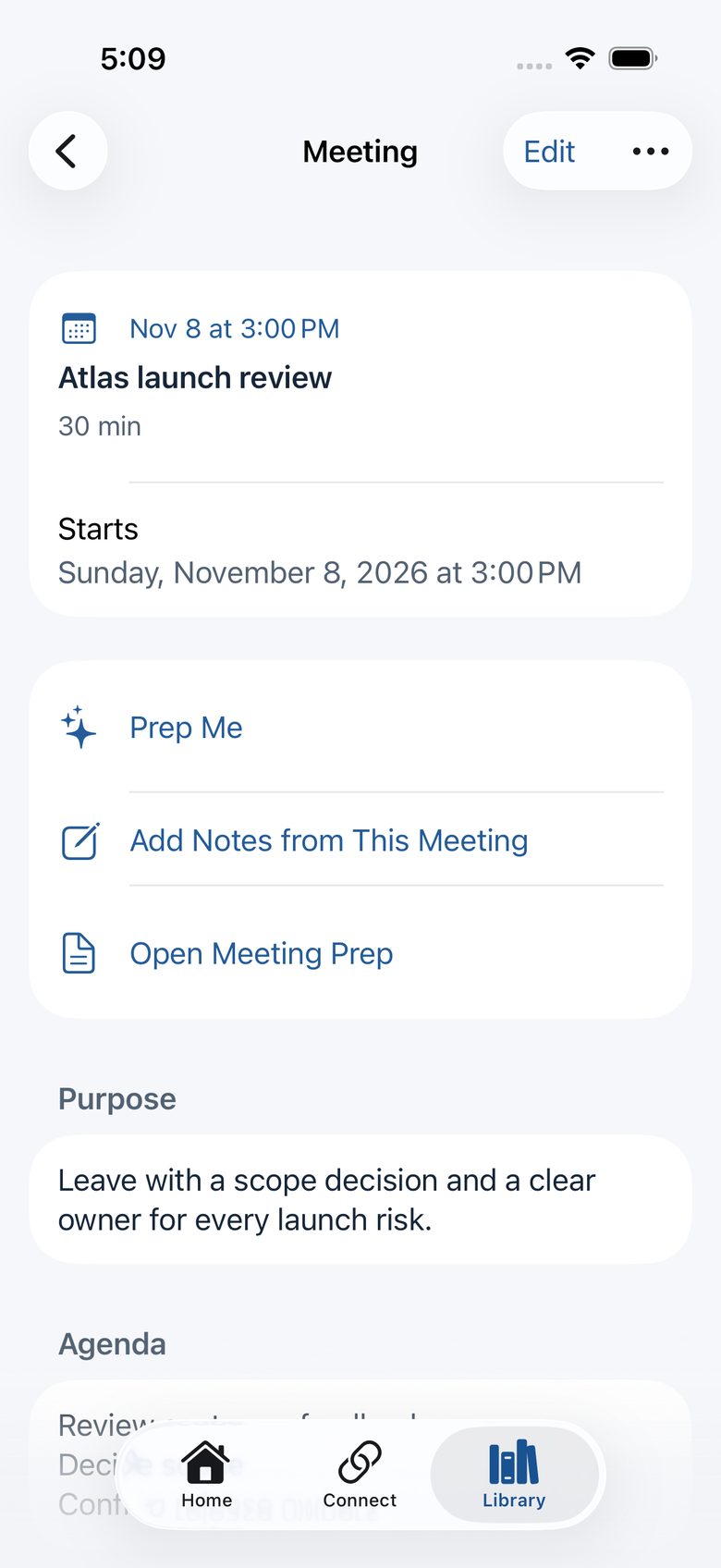
Connect Apple Calendar to see meetings with attendee names and location. Sync is optional and read-only. Add a reminder before each meeting and a prep action for meetings with other people.
Keep actions, priorities, meetings, decisions, initiatives and people together. See who owes what. Export a readable copy or a portable backup, and restore it later.
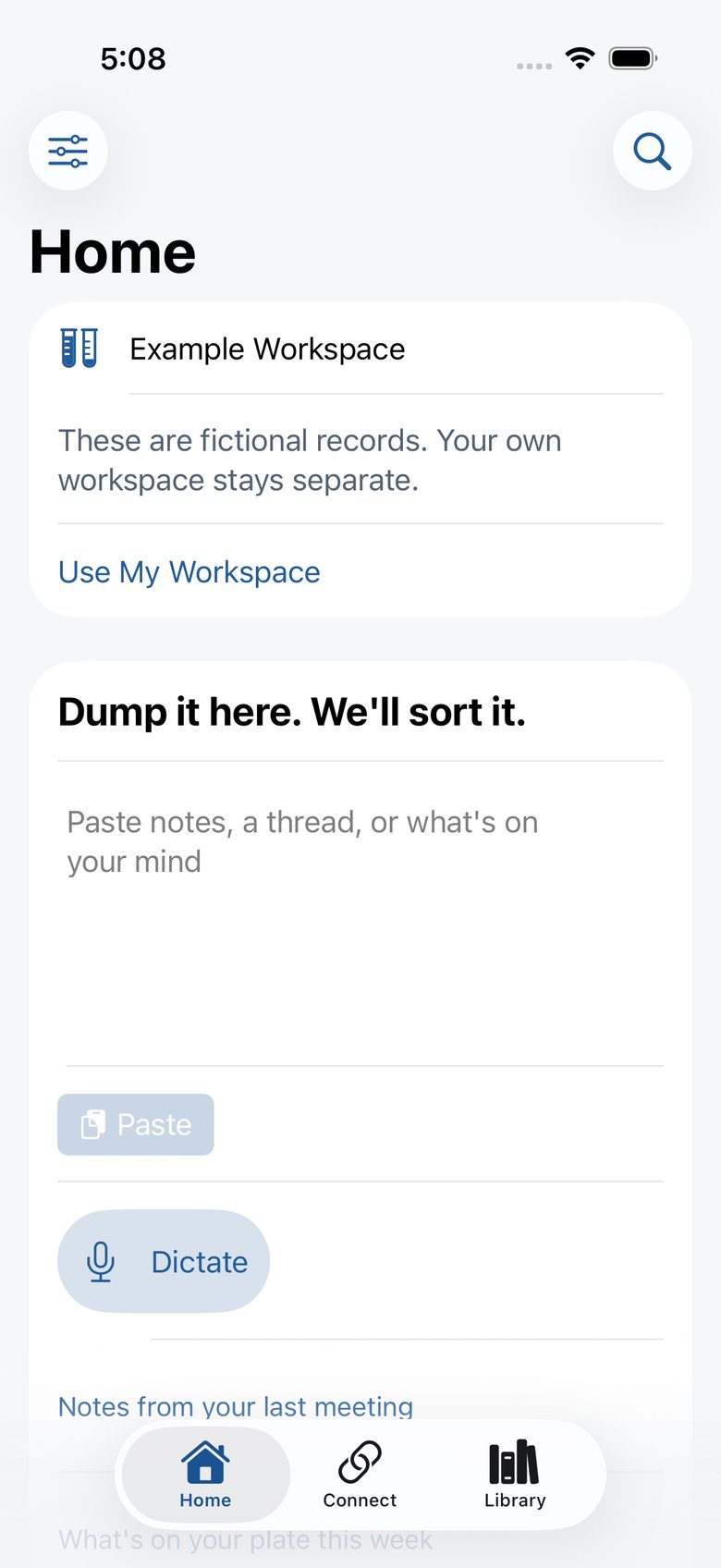
Paste or dictate what’s on your mind.
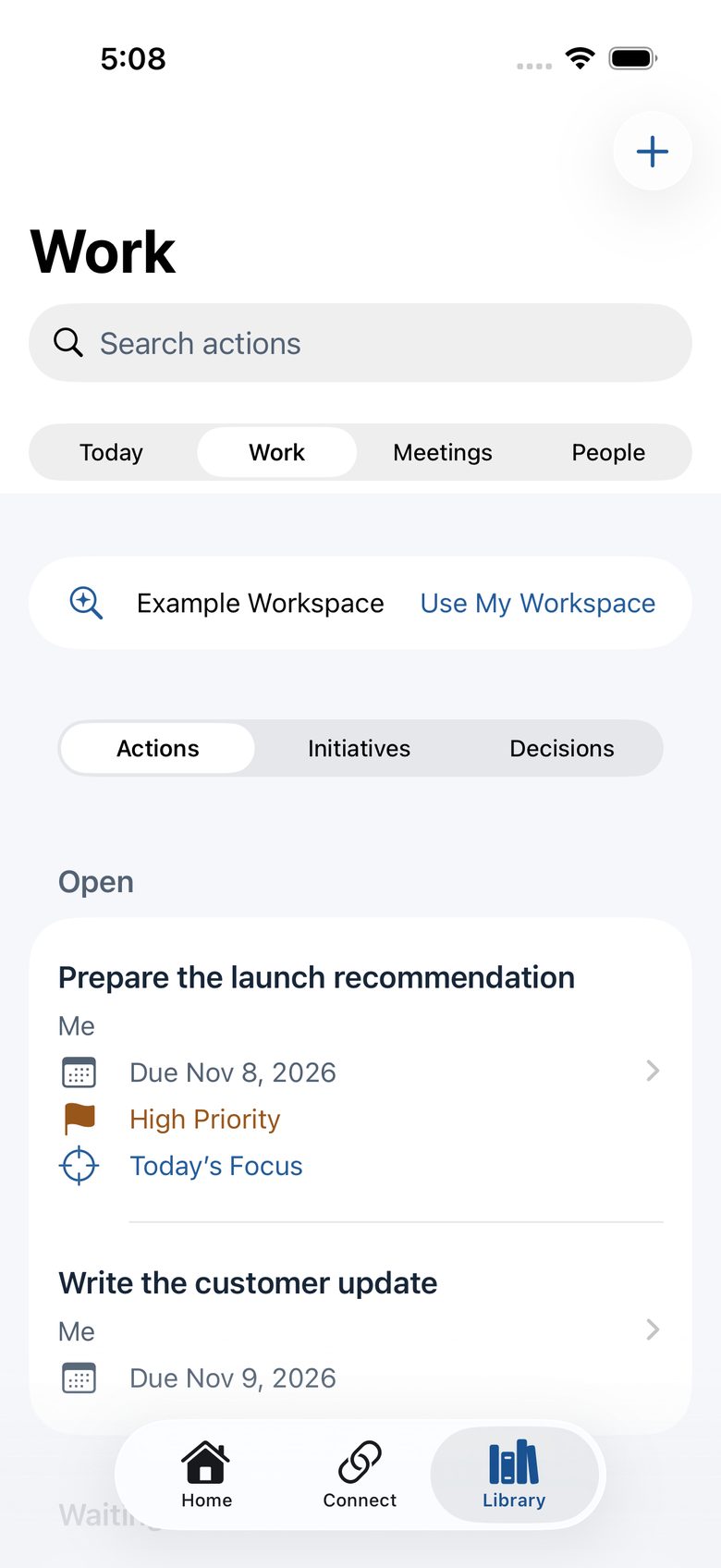
Actions with owners, due dates and priorities.
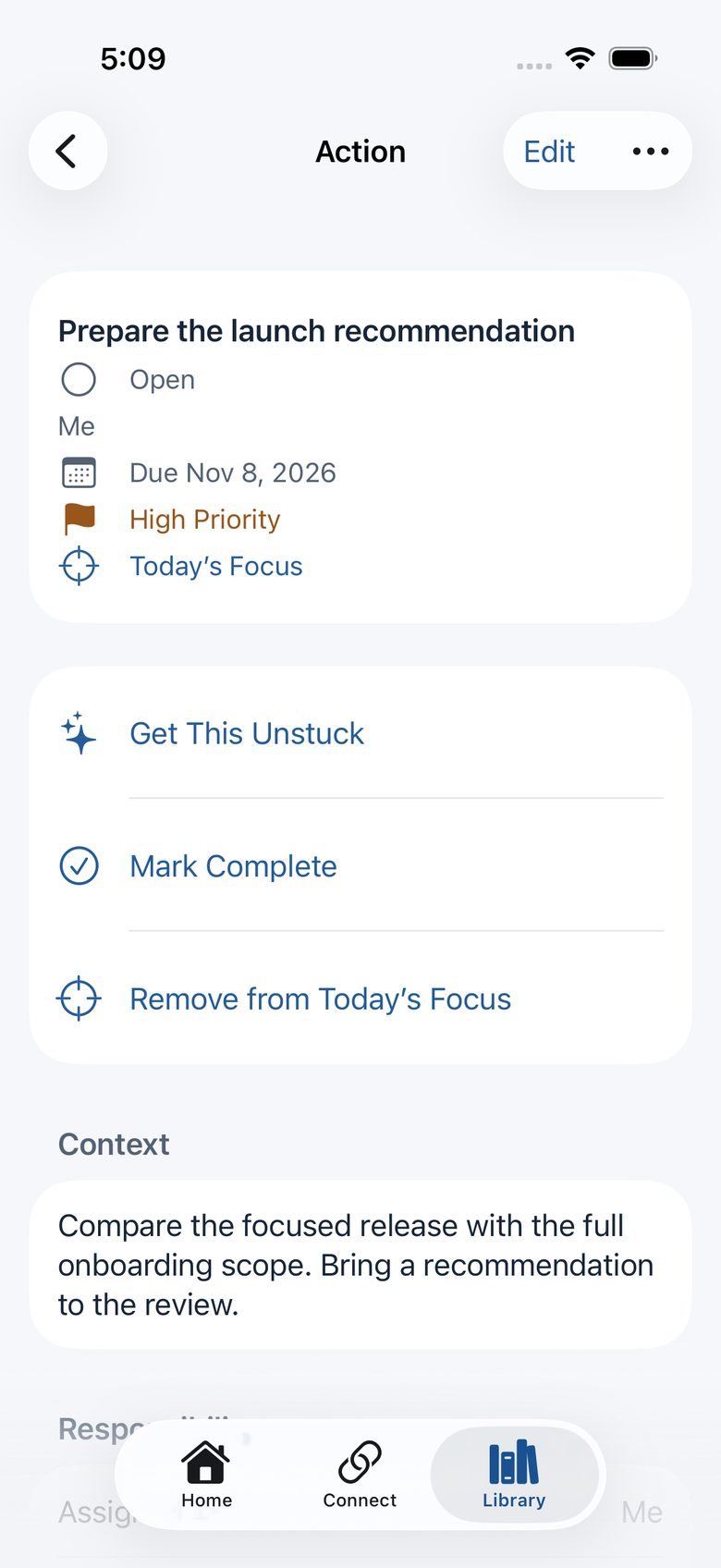
Get an action unstuck, or mark it complete.
Prep for a meeting, then add your notes.
Privacy
Read the privacy policy for full details, including usage analytics you can turn off.
For iPhone and iPad with iOS 18 or later. For adults 18 and older. Available in Canada and the United States.